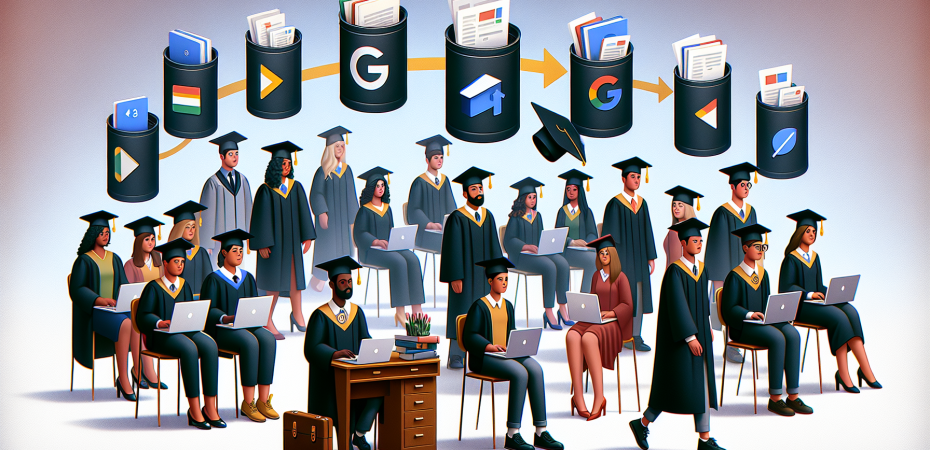
It is that time of year again when many high school and college students will be graduating from the halls of academia. Many of them will have built healthy academic portfolios of work, and they will want to take that hard work with them. If you are a student of a school or university that uses Google Workspace, there may be an option for you to export your portfolio of work from your student account to a personal account. Before you leave, check with your school or university about Google Transfer and Google Takeout. Both of these tools allow users to do just that.
If your school allows this option, all you have to do is set up a new Gmail account and then follow the instructions provided in this handy document. You can also visit Google Takeout and Google Transfer (only available for authorized Google For Education accounts) for more information. For a quick tutorial of how the process works, watch the video below.
 The Techy Coach